Features

Draft Email Not Saved When Navigating Away From Settings Page

11mo agoPending

Story

As a user, I want my email draft to be saved automatically when I navigate away from the settings page, so that I do not lose my work and can continue editing my draft upon return.

Problem

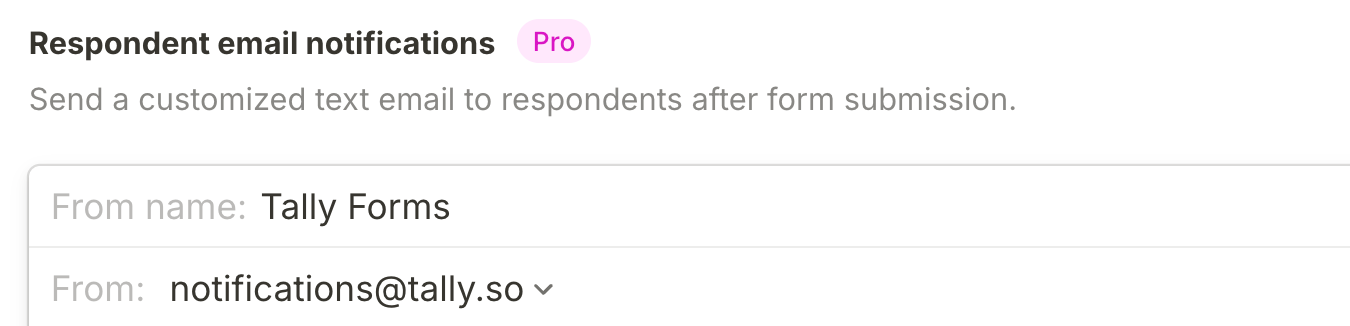
Currently, if a user is composing an email draft on the settings page and navigates away, the entire draft is lost when they return. This forces users to start over, resulting in frustration and potential loss of important information.

Potential Acceptance Criteria

* Drafts are automatically saved when the user navigates away from the settings page.

* When returning to the settings page, the user sees their previously saved draft and can continue editing.

* No draft content is lost unless the user explicitly discards or deletes it.

  • img/g19v9eqn3uwvd4az8oh01y8f

1 comment

  1. Tally11mo ago

    Thanks so much for your suggestion — we really appreciate you taking the time to share this! 🙏

    This isn’t possible natively at the moment, but here’s a workaround that might help:

    You can write your email draft and, before publishing, either leave the recipient email blank or enter a placeholder address (especially if you're on the Pro plan and customizing recipients). This way, the draft is “saved” through the published changes but won’t actually send an email — essentially giving you a safe draft state.

    Still, great suggestion — we’ve noted it! And if you need help with your specific setup, feel free to reach out via https://tally.so/support

    . ✌