Filip Minev You're right, it does indeed work with my example, my bad! The example provided is obviously no good. With other internal prtotypes, the embed doesn't work. I'll do some digging to find out what's wrong and give you a better example. Sorry for the inconvenience!
Hi Filip Minev, I finally figured out where it was coming from: if a Figma file has several pages, then the embed will display the first page of the file and not the prototype. The workaround would be to put the prototype we want to embed in a separate file, but that doesn't really fit in with our usual workflow. As you can imagine, changing our workflow for a particular tool is not ideal :) I've updated the previous prototype to highlight this behavior. If needed, the edit link is here: https://www.figma.com/design/NGQFUwATGNEJJAGYLLtO4Z/Tally-pr…
Thomas Pottier hi Thomas, I believe it depends on which page you have selected. If you select the prototype and click Share -> Get embed code, you can get the correct embed URL from the code.
Filip Minev Unfortunately, this doesn't work. On the example given : - the “embed code” link in the prototype (which is on the 2nd page) gives the following code: ``` <iframe style=“border: 1px solid rgba(0, 0, 0, 0.1);” width=“800” height=“450” src=“https://www.figma.com/embed?embed_host=share&url=https%3A%2F… allowfullscreen></iframe> ``` - when I add the url “https://www.figma.com/embed?embed_host=share&url=https%3A%2F…, which contains the `starting-point-node-id`, it doesn't work: the first page is displayed and not the prototype. - If I consult this url in my browser, the prototype is displayed. Am I making a mistake?
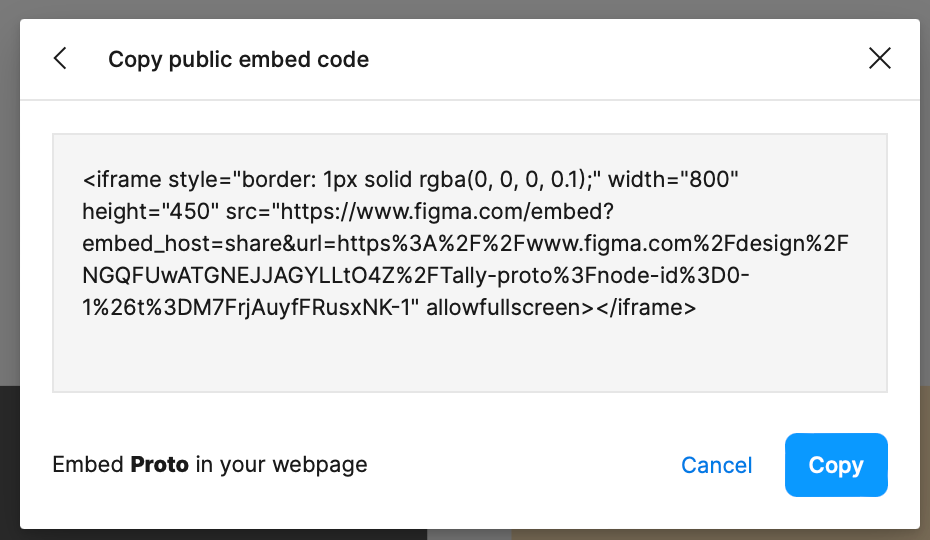
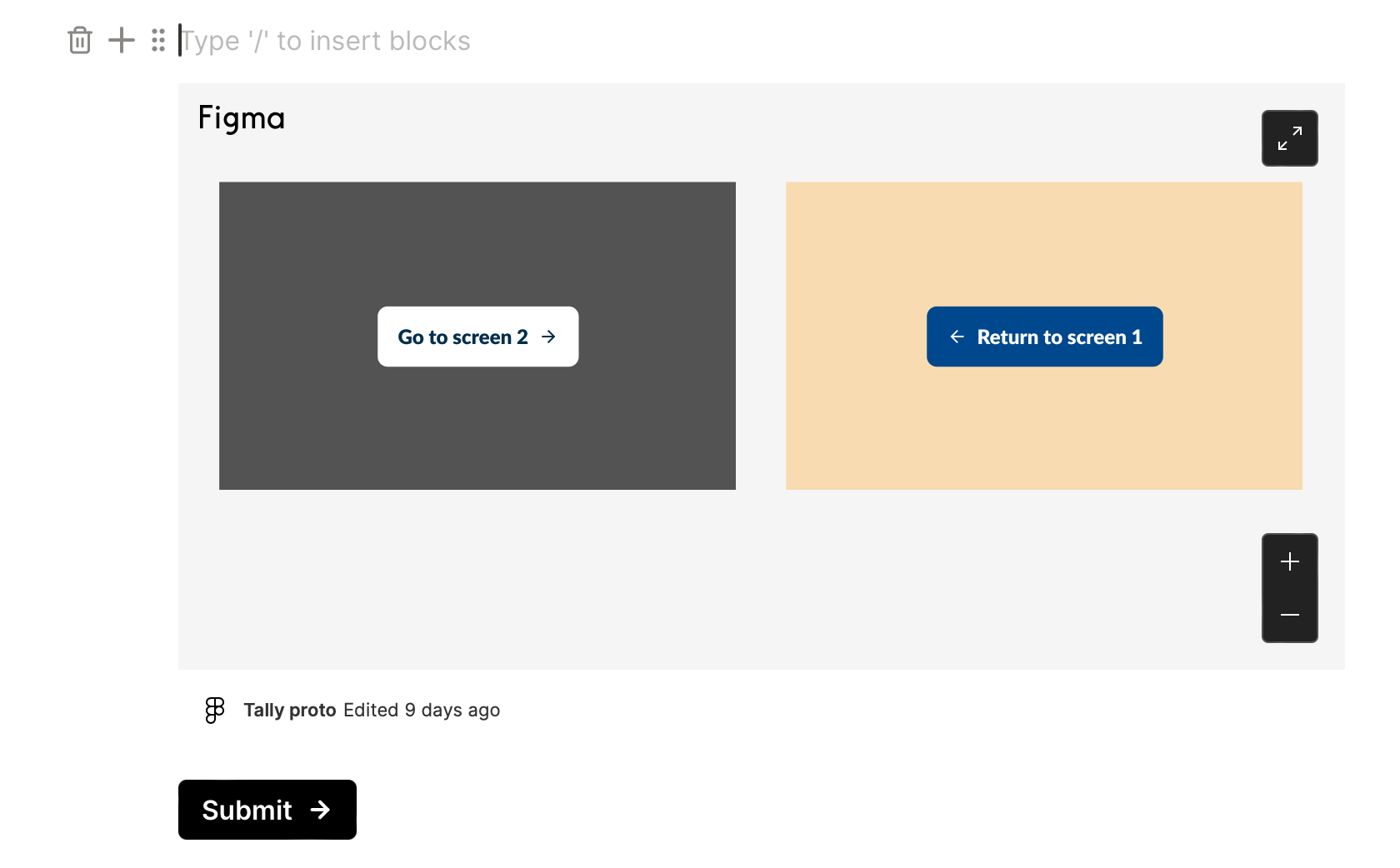
Thomas Pottier I see a different URL that works for me: https://www.figma.com/embed?embed_host=share&url=https%3A%2F… 1. In Figma I click on Pages -> Proto. 2. Then I click Share -> Get embed code (screenshot 1) 3. I copy the URL bit and use it in Tally (screenshot 2)
Filip Minev Unfortunately, this url allows you to embed the page presenting the various mockups, but not the interactive prototype. My need is to include the prototype in Tally, like the prototype available here: https://www.figma.com/proto/NGQFUwATGNEJJAGYLLtO4Z/Tally-pro…
Thomas Pottier ok, I see. I don't see a way to change this URL to point to the second page. Let's leave it here as a feature request and we can investigate it in the future.
Hi Product Team LLS, thank you for the feature request. Do you mind sharing an example prototype URL with which I can test? 🙏
Filip Minev Here is a small prototype : https://www.figma.com/proto/NGQFUwATGNEJJAGYLLtO4Z/Untitled?… The embed code provide by Figma is the following: ``` <iframe style="border: 1px solid rgba(0, 0, 0, 0.1);" width="800" height="450" src="https://www.figma.com/embed?embed_host=share&url=https%3A%2F…" allowfullscreen></iframe> ```
Hey Thomas Pottier, if you copy the URL that's visible in the embed src, then it works in Tally too. This one: https://www.figma.com/embed?embed_host=share&url=https%3A%2F… Actually it worked for me if I used the original URL that you shared: https://www.figma.com/proto/NGQFUwATGNEJJAGYLLtO4Z/Untitled?… Doesn't it work for you? What do you see?