I wanted to check if anyone who posted on or liked this page still sees a need for this feature and can help me better understand how it would work and to what purpose you would use it? Thank you!
Frederik Simoen I'll admit that I just realised you can actually use Ctrl-C after you've highlighted some entries in your form and Ctrl-V at a different place in your form. The pasting part is a little clunky but yes, I use this a LOT. As someone else mentioned, a "cut" (Ctrl-X) would be a nice addition too. I had a situation today where I realised that on page 7 I've missed a question that needed to be on EVERY single page after that (23...) so the copy and paste came in handy real quick. I did a quick test and you can copy and paste between forms too, which is nice!
Frederik Simoen Like https://tally.so/feedback/p/move-pagessections-entirely, this seems implemented now.
This is implemented now. Click and drag on the background.
Yes! I was supposed to make an ask about this, but I've seen it has already been wished for before. I hope this will be implemented soon.
Cut (Ctrl+X) is not supported yet, so for now you must Copy and Paste them elsewhere, then remember to delete the original...
Upvoting this – duplicating multiple blocks and then having to drag (and drag, and drag) them down further in the form is inconvenient and time-consuming. It would be easier to copy, then scroll down, click where you want to paste, and paste!
Courtney Brillhart If it's just Copy you can do it, but it would be better with an actual Cut as said in my other comment.
Long Nguyen Huu You can do it with Copy? I'm only seeing Duplicate, which Duplicates the blocks in-place and then you have to drag them where you want them. Agree that Cut would be great as well.
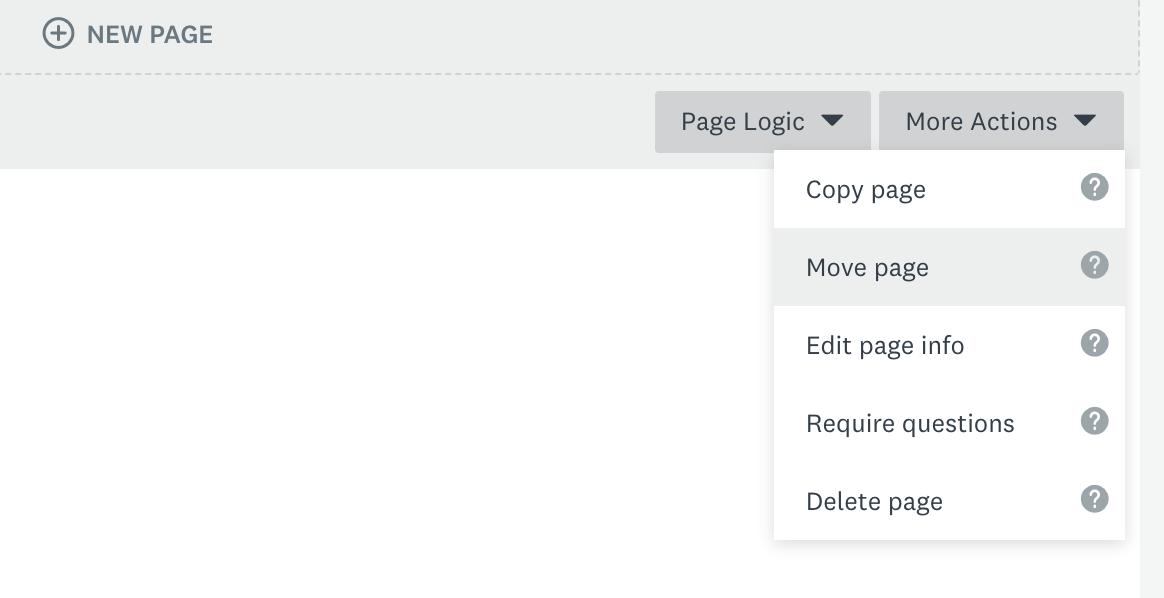
It's very annoying with large forms. SurveyMonkey supports moving pages well (related to https://tally.so/feedback/p/move-pagessections-entirely)
Summarizing this discussion: - You can drag+select multiple blocks and move them around with your mouse - You can drag+select multiple blocks and duplicate them from the options menu - You can keyboard copy-paste blocks within and across forms - You can't copy-paste from the options menu - You can't cut-paste blocks within and across forms in any way So I'll update the title and leave this request open for those specific features/improvements.